Navigating the world of SEO can be daunting for small businesses. With countless tools available, each promising top rankings, how do you choose the right ones without breaking the bank or wasting valuable time? The key isn't just finding a single "best" tool; it's about building a cost-effective ‘stack’ that covers your specific needs, from keyword research and rank tracking to technical audits and local visibility. This is where finding the best SEO tools for small business becomes critical for sustainable growth.
This guide cuts through the noise. We have analysed a dozen leading platforms to help you make an informed decision. We will break down the core strengths, limitations, and ideal use cases for tools like Ahrefs, Semrush, Moz Pro, and specialist platforms such as BrightLocal and Screaming Frog. Each entry includes pricing details, setup tips, and honest pros and cons to streamline your selection process.
Whether you're a local service provider, an e-commerce startup, or a niche business like a self-storage facility, you'll find actionable insights here to help you select and implement the software that will genuinely move the needle. And for those looking to integrate more automation, modern solutions that leverage artificial intelligence are becoming increasingly powerful. For a deeper dive, explore this list of the 12 Best AI SEO Software Tools for 2025. Our focus here, however, is on creating a practical, budget-friendly toolkit that delivers measurable results without overwhelming your team. Let’s get started.
1. Ahrefs
Ahrefs stands out as a premium, all-in-one SEO suite, particularly renowned for its vast backlink index. For small businesses, its intuitive interface demystifies complex data, making sophisticated competitor analysis accessible. It’s one of the best SEO tools for small businesses that need to understand not just their own performance, but exactly how their competitors are succeeding.
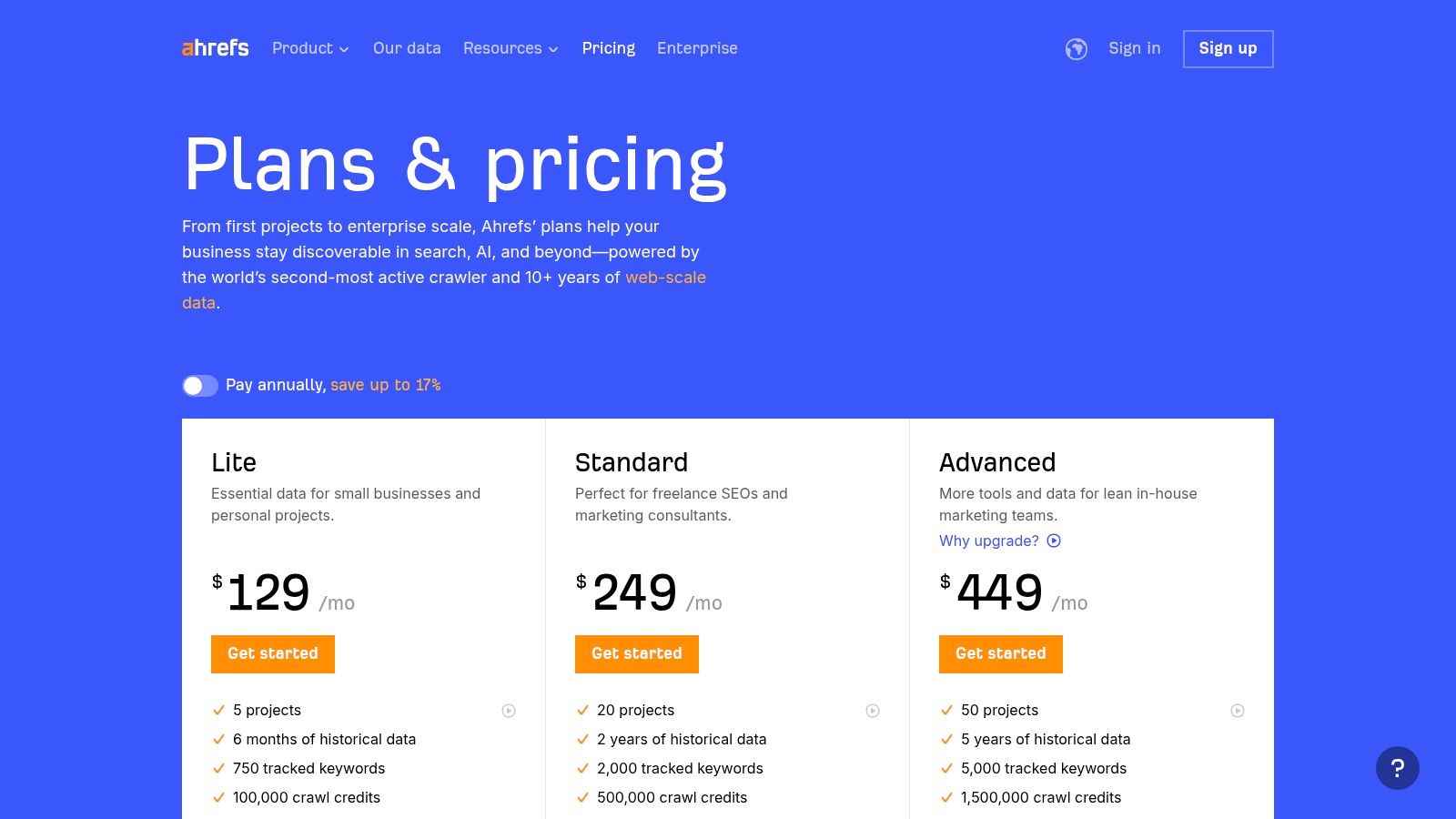
The platform excels at identifying "content gaps", showing you keywords your rivals rank for that you don't. This insight is gold for planning your content strategy, whether you run a local service or a growing e-commerce store. Understanding why SEO is important is the first step; Ahrefs provides the actionable data to implement that knowledge effectively.
Best Use Cases & Features
- E-commerce & Niche Sites: Use Keywords Explorer to find low-competition product keywords and its "Parent Topic" feature to structure category pages logically.
- Local Services: Leverage Link Intersect to discover local directories and blogs linking to your competitors, providing a clear roadmap for local citation building.
- All SMBs: The Site Audit tool is crucial for identifying technical issues like broken links or slow page speeds that can harm user experience and rankings.
Pricing, Pros & Cons
Pricing: Starts at $99/month for the Lite plan, scaling up with more features and data allowances.
| Pros | Cons |
|---|---|
| Unmatched backlink data depth | Higher price point for solopreneurs |
| Intuitive and user-friendly design | Daily rank updates require a paid add-on |
| Excellent free learning resources | Costs increase with additional user seats |
Quick Tip: Start with the Site Explorer tool. Enter a top competitor's domain to immediately see their top organic keywords and best-performing pages. This single action can generate dozens of content ideas.
Website: https://ahrefs.com/pricing
2. Semrush
Semrush positions itself as a comprehensive digital marketing toolkit, extending far beyond traditional SEO. For small businesses, this means one subscription can cover SEO, PPC, content marketing, and competitive intelligence, making it an incredibly versatile platform. Semrush is one of the best SEO tools for small business owners who want a holistic view of their entire online presence, not just organic search performance.
The platform's strength lies in its sheer breadth of features, allowing you to track keyword positions, audit your site's technical health, and analyse your competitors' advertising strategies all in one place. This integrated approach is perfect for developing a cohesive marketing plan. For a deeper dive into evaluating rivals, our guide on how to conduct competitor analysis provides a framework that pairs perfectly with Semrush's data.
Best Use Cases & Features
- Content-Heavy Businesses: Use the Topic Research tool to generate content ideas and the SEO Writing Assistant to optimise copy in real-time.
- E-commerce Stores: Leverage the Position Tracking tool with its local pack and map features to monitor visibility for product searches in specific geographic areas.
- All SMBs: The On-Page SEO Checker offers actionable recommendations for improving individual page rankings, from keyword usage to backlink suggestions.
Pricing, Pros & Cons
Pricing: Starts at £107.82/month for the Pro plan, with more advanced features and higher limits available on Guru and Business tiers.
| Pros | Cons |
|---|---|
| Extremely broad feature coverage | Higher price point compared to single-purpose tools |
| Strong competitor analysis tools | Advanced data quotas are on more expensive tiers |
| Wide integration with other marketing tools | The interface can be overwhelming for new users |
Quick Tip: Use the Domain Overview report first. Enter your own website to get a quick, high-level snapshot of your organic traffic, top keywords, and main organic competitors. This provides an excellent baseline before you dive into more specific tools.
Website: https://www.semrush.com/pricing/
3. Moz Pro
Moz Pro serves as a comprehensive yet accessible SEO toolkit, making it a strong contender for small businesses just getting to grips with digital marketing. It's particularly valued for its user-friendly interface and industry-standard metrics like Domain Authority and Spam Score, which help beginners quickly gauge website credibility and link quality. For an SME, Moz Pro simplifies complex SEO concepts into actionable, organised campaigns.
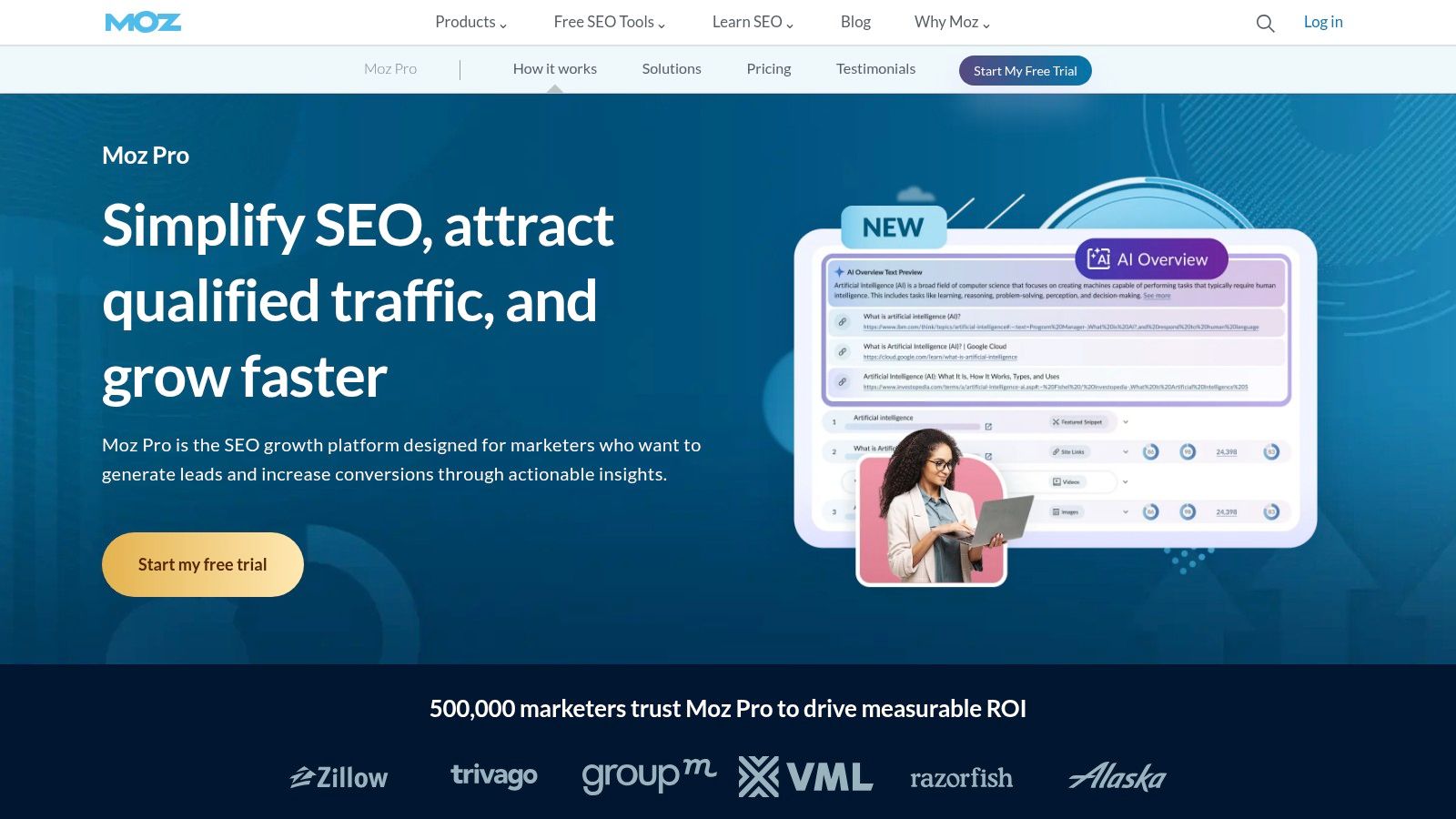
The platform’s strength lies in its guided workflows. Setting up a "Campaign" walks you through connecting Google Analytics, tracking core keywords, and running an initial site crawl. This structured approach is brilliant for small business owners who need one of the best SEO tools for small business that provides a clear starting point without overwhelming them with data. The recommendations are straightforward and prioritised, helping you focus on fixes that will have the most impact.
Best Use Cases & Features
- Local Services: Use Moz Local (a separate but integrated service) to manage and standardise your business listings across key directories, a crucial task for local SEO.
- Startups & New Websites: The Keyword Explorer provides an excellent "Difficulty" score and SERP analysis, helping you find achievable keyword targets when your domain is still new.
- All SMBs: The Site Crawl feature offers a clean, easy-to-understand summary of technical issues, flagging critical errors that could be holding your site back.
Pricing, Pros & Cons
Pricing: Starts at $99/month for the Standard plan, which includes core features for one or two websites.
| Pros | Cons |
|---|---|
| Extremely beginner-friendly interface | Link index is smaller than Ahrefs |
| Respected metrics and documentation | Pricing and quota tiers can be confusing |
| Active and helpful community support | Reporting features are basic on lower plans |
Quick Tip: Start a Campaign for your website immediately. The initial crawl and keyword ranking report will give you a baseline SEO health score and a prioritised list of on-page and technical issues to fix, providing a clear action plan from day one.
Website: https://moz.com/products/pro
4. Screaming Frog SEO Spider
Screaming Frog SEO Spider is a powerful desktop-based website crawler that specialises in technical SEO audits. While many all-in-one tools offer site audits, Screaming Frog provides an unparalleled depth of data, allowing small businesses to uncover technical issues that could be holding back their rankings. It’s one of the best SEO tools for small businesses that want to take a hands-on, granular approach to optimising their website's technical health.
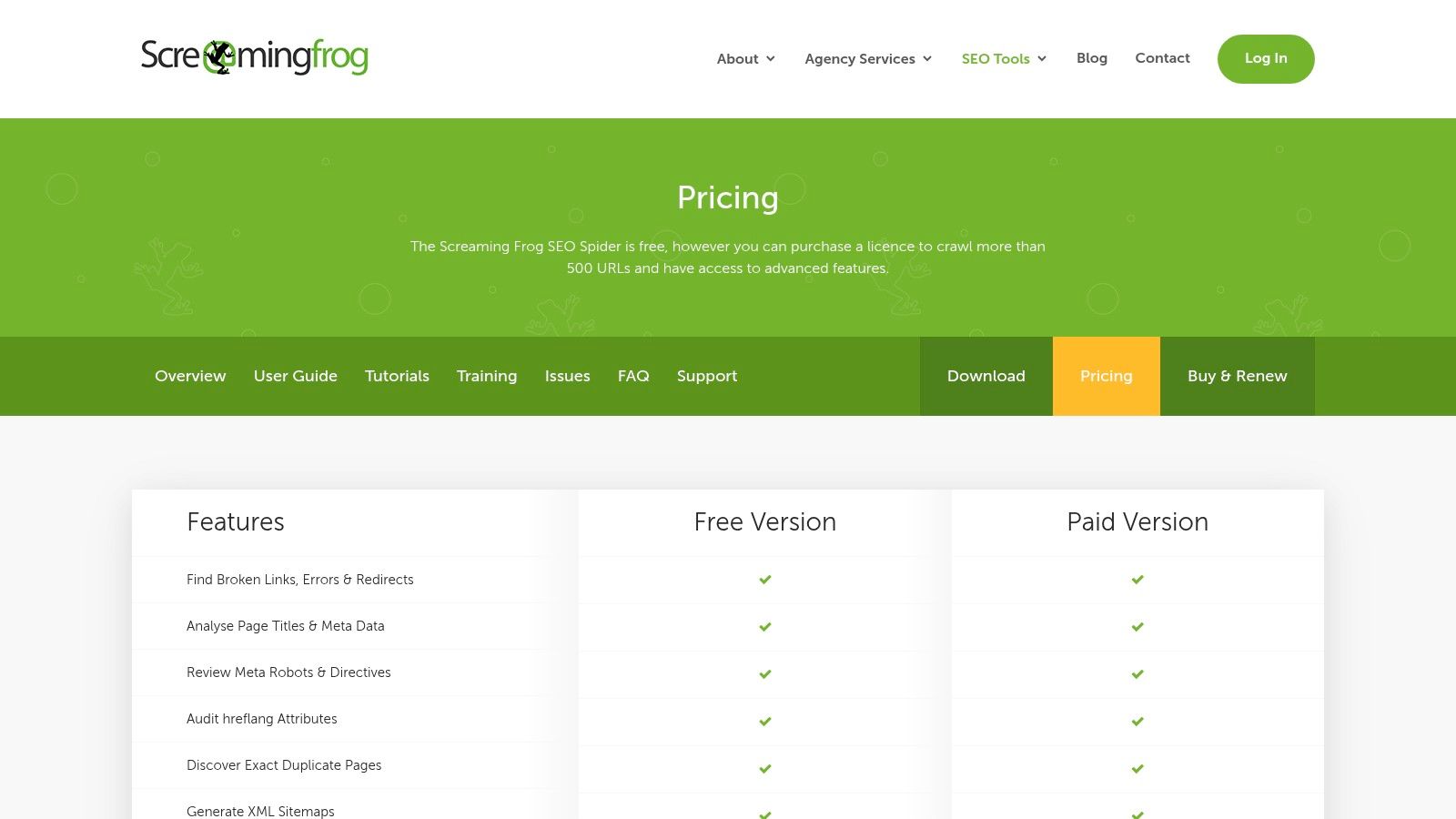
The platform is indispensable for tasks like finding broken links, analysing page titles and meta descriptions in bulk, and auditing redirect chains. For businesses that have just undergone a site migration or redesign, Screaming Frog is the gold standard for ensuring everything has been implemented correctly, from hreflang tags for international sites to structured data validation.
Best Use Cases & Features
- E-commerce & Large Sites: Use the powerful crawler to find thin or duplicate content across thousands of product pages and check canonical tag implementation.
- Local Services: Run a crawl to find all pages with missing or unoptimised H1s and meta descriptions, ensuring every service page is correctly targeting local keywords.
- All SMBs: The Integrations feature with Google Analytics and Search Console lets you overlay performance data directly onto crawl data, quickly identifying underperforming pages with technical flaws. The free version crawls up to 500 URLs, which is often enough for an initial check-up.
Pricing, Pros & Cons
Pricing: Offers a robust free version. The paid licence is £259/year, unlocking advanced features and unlimited crawls.
| Pros | Cons |
|---|---|
| Incredibly fast and flexible crawler | Requires a desktop installation |
| The industry standard for technical audits | The interface can be daunting for beginners |
| Fair one-time annual licence fee | Performance depends on your computer's resources |
Quick Tip: After your first crawl, go to the "Response Codes" tab and filter for "Client Error (4xx)". This instantly gives you a list of all broken links on your site that need fixing to improve user experience and SEO.
Website: https://www.screamingfrog.co.uk/seo-spider/pricing/
5. BrightLocal
BrightLocal is a hyper-focused platform designed from the ground up to master local search. For small businesses that serve a specific geographic area, it provides a specialised toolkit that general SEO platforms often lack. It is one of the best SEO tools for small businesses looking to dominate their local market, from managing online reviews to ensuring consistent business listings across the web.
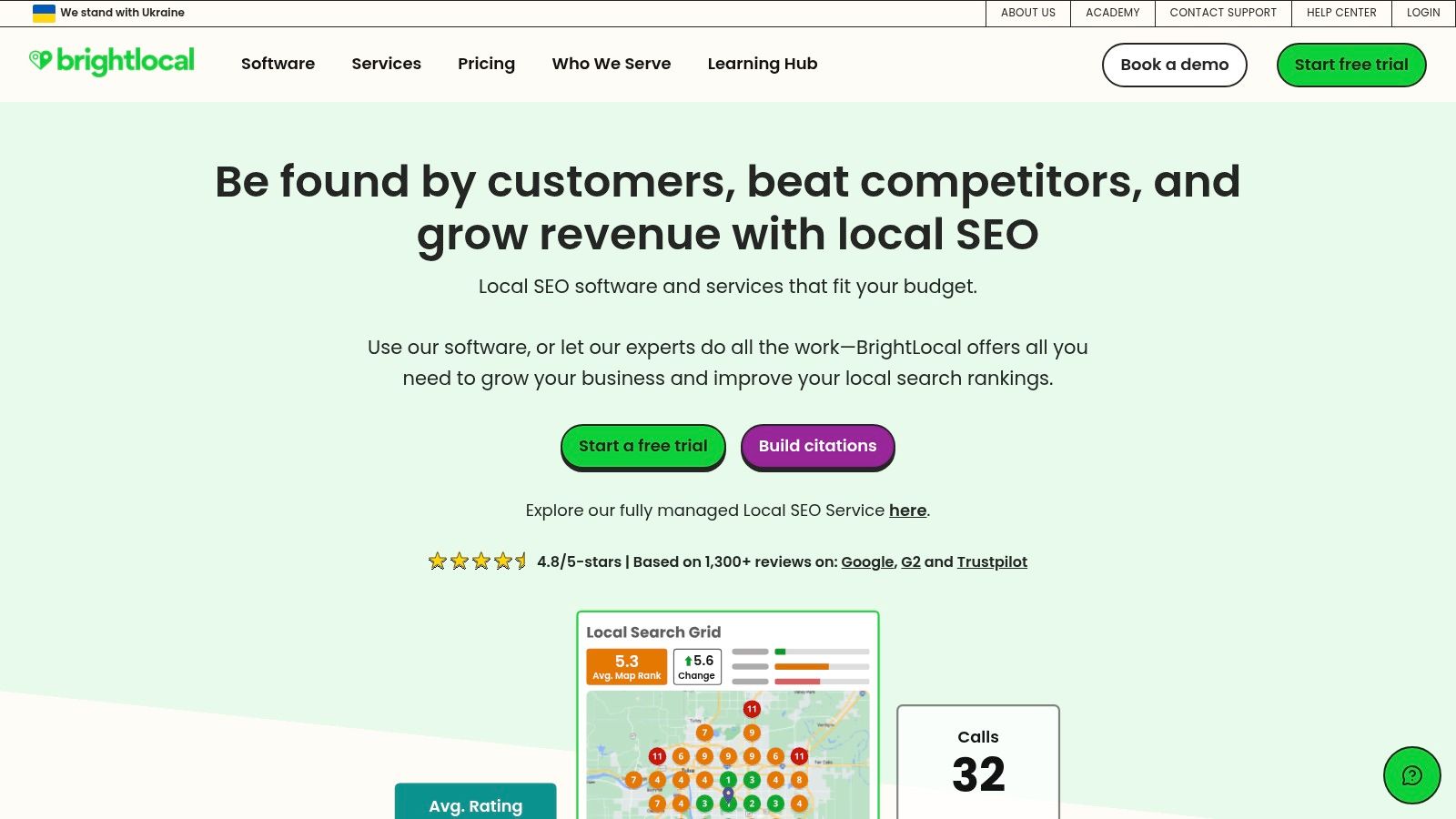
The platform’s strength lies in simplifying the core pillars of local SEO. Its Local Search Grid offers a visual representation of your Google rankings block-by-block, giving you a true picture of your visibility. For any brick-and-mortar business, from a self-storage facility to a high-street shop, understanding these nuances is crucial. Mastering these tools is a key component of effective local SEO for small businesses.
Best Use Cases & Features
- Local Services (e.g., plumbers, dentists): Use the Citation Tracker and Citation Builder service to find, fix, and build consistent business listings on directories vital for local authority.
- Multi-location Businesses: Manage and compare the performance of each branch’s Google Business Profile from a single dashboard, optimising posts, Q&As, and photos.
- All SMBs: The Reputation Manager helps you actively generate new customer reviews and monitor feedback across dozens of sites, which is a powerful local ranking factor.
Pricing, Pros & Cons
Pricing: Plans start from $39/month (paid annually) for a single business, scaling based on the number of locations.
| Pros | Cons |
|---|---|
| Built specifically for local SEO | Location-based pricing scales with branches |
| Strong value and feature-rich for SMBs | Some advanced features are on higher tiers |
| Excellent white-label reporting tools | Not an all-in-one organic SEO suite |
Quick Tip: Start with the Local Search Grid report. Run it for your primary keyword and location to see exactly where you rank on the map. This often reveals blind spots where competitors are outperforming you just a few streets away.
Website: https://www.brightlocal.com/
6. Sitebulb
Sitebulb is a powerful website crawler that bridges the gap between highly technical audit tools and the need for clear, actionable insights. For small businesses, its strength lies in visualising complex technical SEO issues and providing plain-English explanations, making it easier to understand problems and communicate them to developers or stakeholders. It’s one of the best SEO tools for small businesses that need in-depth auditing capabilities without an enterprise-level price tag.
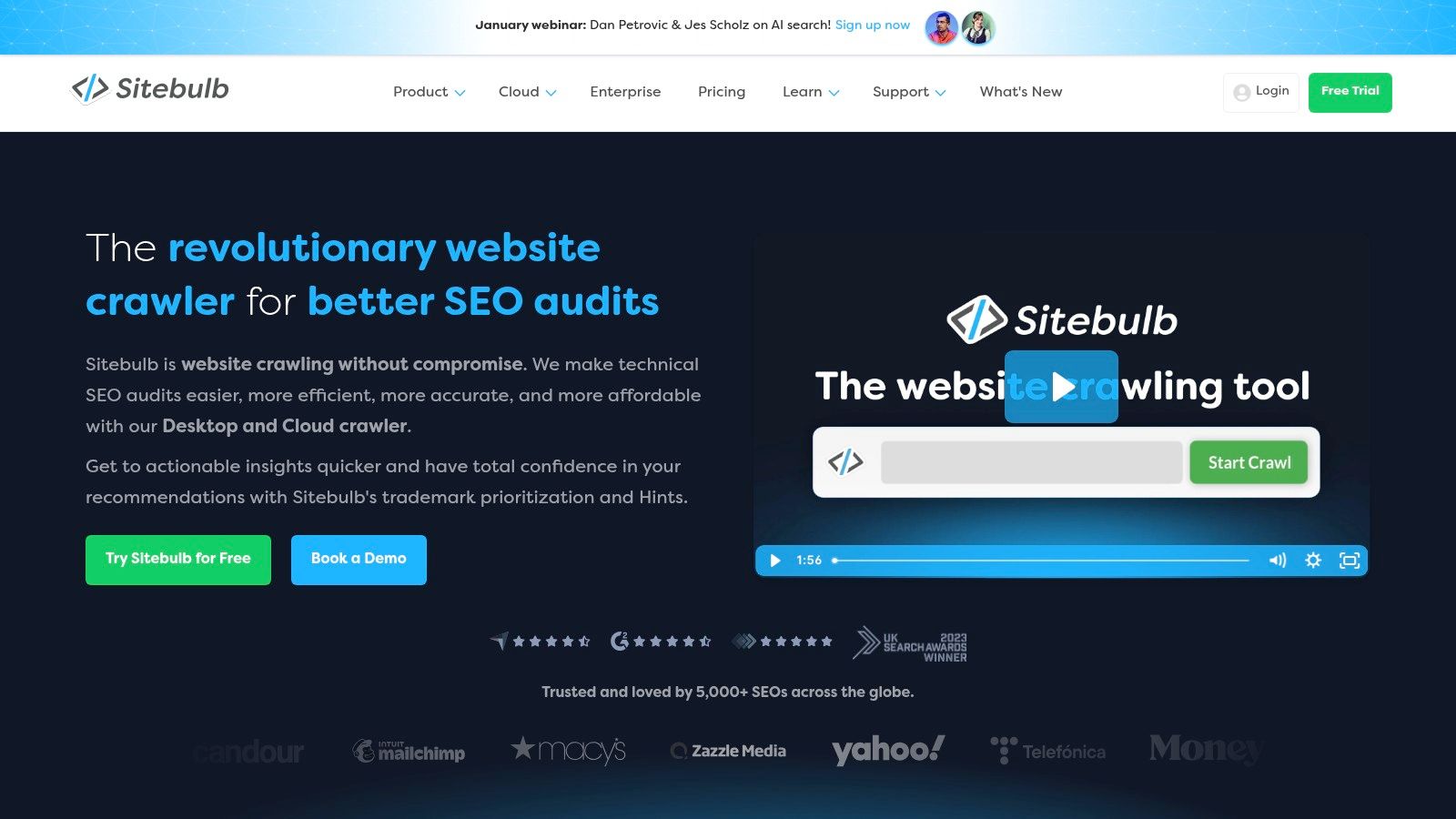
The platform operates as a desktop application, crawling your site to identify over 300 potential issues, from indexability problems to on-page optimisation gaps. Each issue, or 'Hint', is prioritised by importance and comes with a detailed guide on what it means and how to fix it. This educational approach empowers business owners to take control of their technical SEO.
Best Use Cases & Features
- E-commerce & Large Sites: Use the Desktop Pro version to audit up to 500,000 URLs per site, identifying thin content on product pages or complex crawl path issues.
- Agencies & Freelancers: Leverage the beautiful, visual reports and Google Looker Studio integration to present professional, data-rich audit findings to clients.
- All SMBs: The Site Audit functionality with its prioritised 'Hints' is crucial for systematically improving your website’s technical health, from site speed to internal linking.
Pricing, Pros & Cons
Pricing: Offers a fully featured 14-day free trial. The Desktop Pro plan is priced affordably for individuals, with custom pricing for Cloud plans.
| Pros | Cons |
|---|---|
| Excellent visualisations and reports | Cloud pricing requires contacting sales |
| Clear, educational explanations | Desktop version relies on local machine power |
| Affordable desktop-based option | No built-in rank tracking or backlink tools |
Quick Tip: After your first crawl, head straight to the "Indexability" report. This visual graph immediately shows you which pages are and aren't being indexed by Google, helping you spot critical errors quickly.
Website: https://sitebulb.com/
7. Majestic
Majestic is a highly specialised tool focused almost exclusively on backlink analysis. It's famous for creating its own proprietary metrics, Trust Flow and Citation Flow, which help businesses gauge the quality and quantity of links pointing to a site. For small businesses looking to conduct deep-dive competitor link research or vet potential link opportunities, Majestic offers a powerful, data-rich environment.
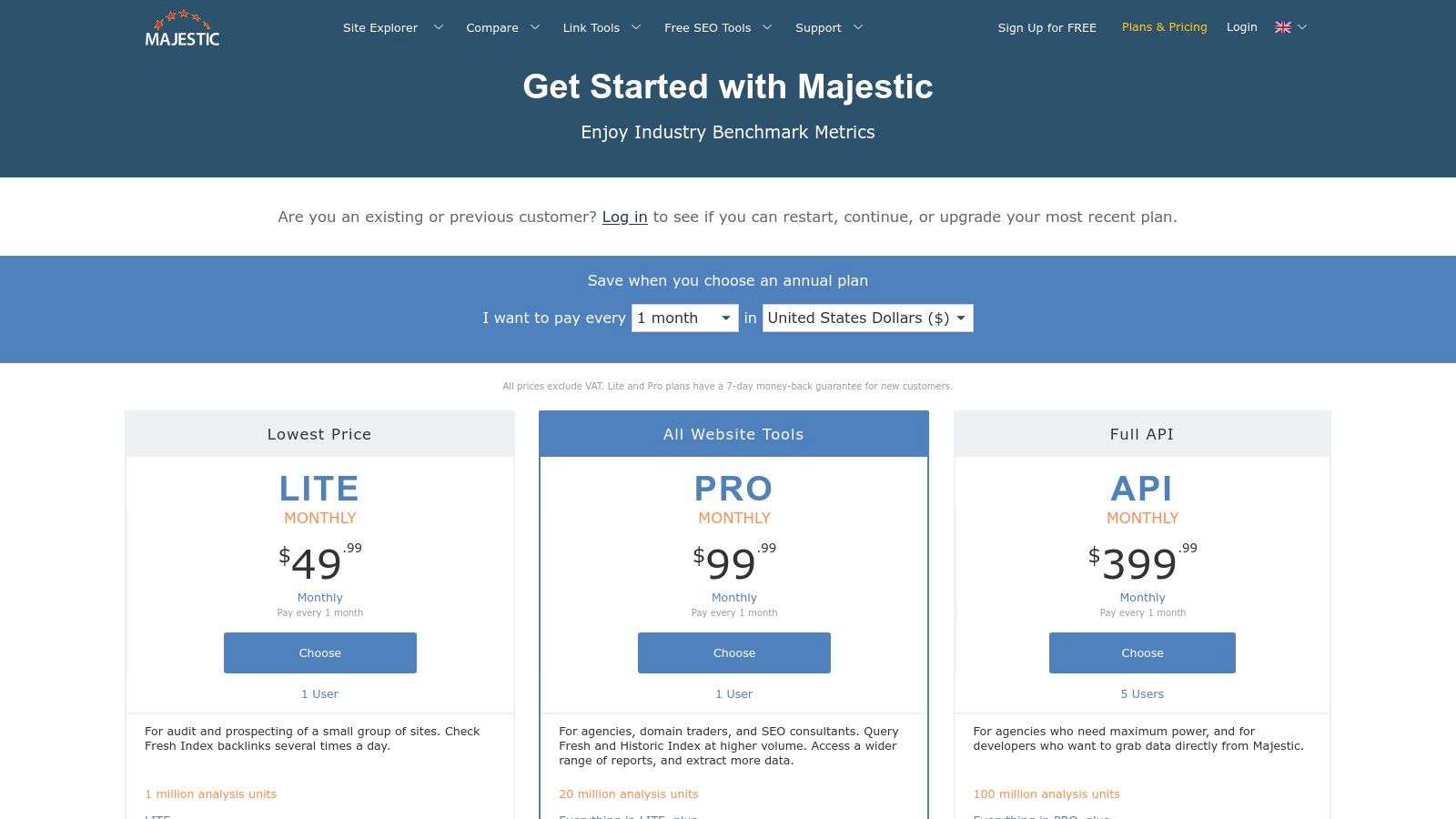
The platform’s strength lies in its vast link index, which is split into "Fresh" (last 120 days) and "Historic" (all-time) views. This allows a small business to analyse a competitor’s recent link-building momentum as well as their long-term link profile. While it doesn't offer the all-in-one features of other suites, its singular focus makes it one of the best SEO tools for small business owners who prioritise link quality over everything else.
Best Use Cases & Features
- Content Marketers: Use the Bulk Backlink Checker to upload a list of potential outreach targets and quickly assess their Trust Flow and Topical Trust Flow to ensure they are relevant and authoritative.
- Local Businesses: Leverage the Historic Index to find powerful, long-standing local links that competitors have, providing a high-value target list for your own outreach.
- Niche Sites: The Link Context feature helps you see where a link is placed on a page and the text surrounding it, which is invaluable for understanding why a competitor earned that link.
Pricing, Pros & Cons
Pricing: Starts at £39.99/month for the Lite plan, with an annual option available.
| Pros | Cons |
|---|---|
| Industry-recognised link quality metrics | Narrower focus compared to all-in-one suites |
| Powerful Historic Index for deep analysis | User interface feels less modern than rivals |
| Flexible data allowances and UK billing | Lacks keyword research or rank tracking tools |
Quick Tip: Use the free browser extension to quickly check the Trust Flow and Citation Flow of any website you visit. This is an efficient way to vet potential link partners or analyse competitors on the fly without logging into the main platform.
Website: https://majestic.com/plans-pricing
8. Surfer
Surfer shifts the focus from broad SEO metrics to granular, on-page content optimisation. It analyses top-ranking search results to provide a data-driven blueprint for creating content that search engines and users will favour. For small businesses, this turns the often-subjective task of writing into a more scientific process, making it one of the best SEO tools for small business teams who need clear, actionable guidance to improve their content's ranking potential.
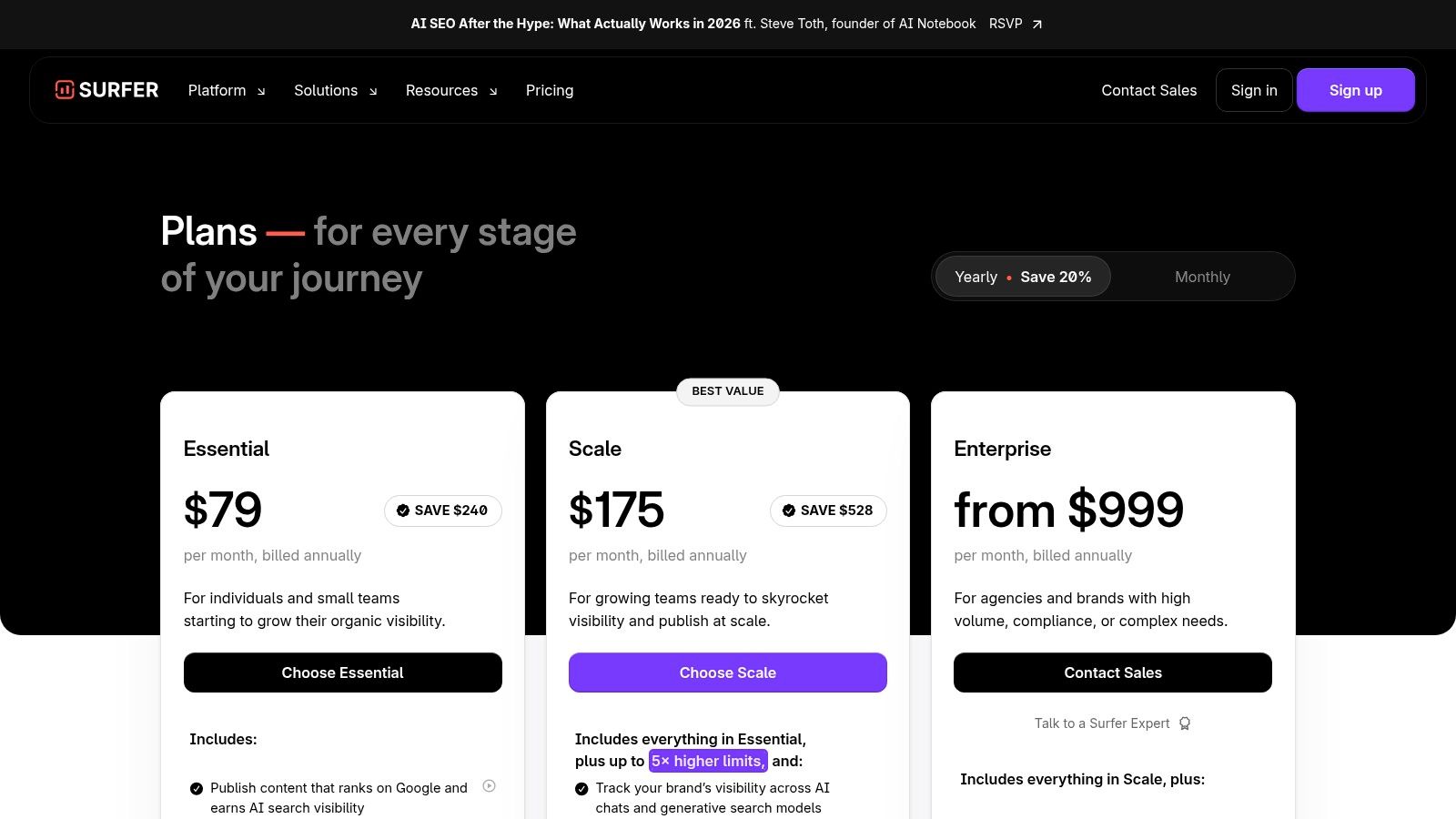
The platform’s core is its Content Editor, which gives a real-time "Content Score" as you write, suggesting relevant terms, ideal word counts, and structural elements based on what’s already performing well. This is invaluable for content teams aiming for consistency and quality, ensuring every article or blog post is strategically optimised before it's even published. It demystifies why certain pages rank and provides a clear pathway to compete.
Best Use Cases & Features
- Content Teams & Agencies: Use the Content Editor with its Google Docs and WordPress integrations to streamline the writing and optimisation workflow, ensuring all writers follow data-backed guidelines.
- E-commerce Stores: Leverage the Audit tool on existing product or category pages to identify quick-win content gaps and NLP term optimisations to improve their visibility.
- All SMBs: Use the Keyword Research and Topic Cluster tools to plan a content strategy that builds topical authority, helping you become the go-to resource in your niche.
Pricing, Pros & Cons
Pricing: Starts at £49/month for the Essential plan, with higher tiers offering more content credits and features.
| Pros | Cons |
|---|---|
| Actionable, data-driven content scoring | Primarily focused on on-page SEO |
| Seamless workflow integrations | Not a comprehensive backlink analysis tool |
| Excellent for optimising new and old content | AI writing credits can be used up quickly |
Quick Tip: Before writing a new blog post, run your target keyword through the SERP Analyzer. Pay close attention to the "Prominent words and phrases" section to build a comprehensive outline that covers all the key subtopics your competitors are ranking for.
Website: https://surferseo.com/pricing/
9. Yoast SEO (WordPress)
For any small business running its website on WordPress, Yoast SEO is an essential plugin. It simplifies on-page and technical SEO, making it accessible for non-developers to manage critical elements like meta titles, descriptions, and sitemaps directly from the page editor. It’s one of the best SEO tools for small businesses because it provides immediate, actionable feedback within the content creation workflow.
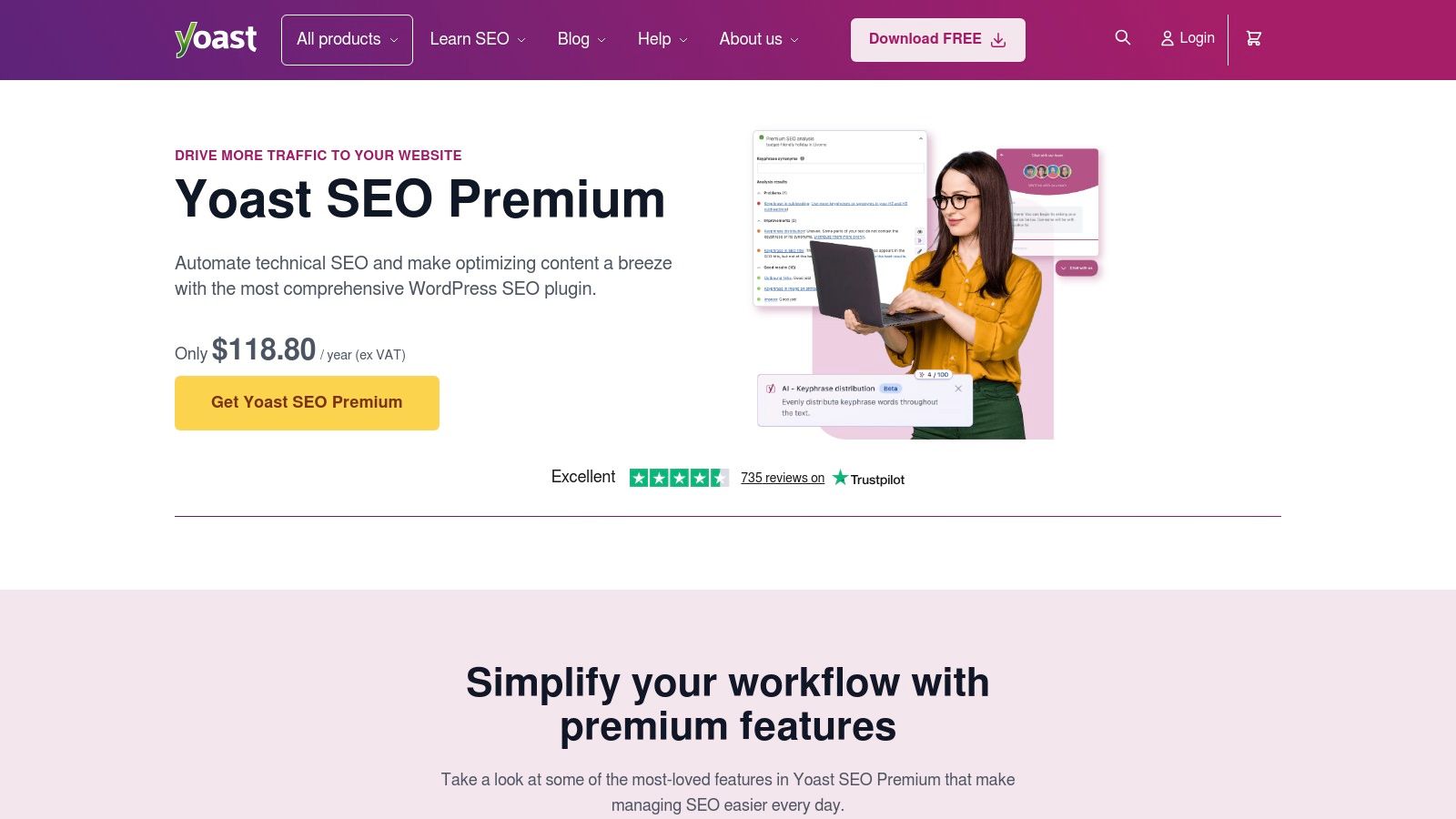
The plugin’s real-time analysis gives you a simple traffic light system (red, amber, green) to score both your SEO optimisation and content readability. This guidance is invaluable for ensuring every blog post or service page is well-optimised before it’s even published. It demystifies the process of structuring content for search engines and users alike.
Best Use Cases & Features
- Local Services: Use the schema settings to easily mark up your business address and opening hours, helping Google understand and display your local business information.
- E-commerce (with WooCommerce): The dedicated Yoast WooCommerce SEO add-on helps optimise product pages, improve breadcrumbs, and clean up the sitemap for better crawling.
- All SMBs: The Readability analysis is crucial for ensuring your content is clear and easy to understand, which improves user engagement and can indirectly influence rankings.
Pricing, Pros & Cons
Pricing: A robust free version is available. Yoast SEO Premium starts at £79/year (ex. VAT) for one site, unlocking features like a redirect manager and multiple keyword support.
| Pros | Cons |
|---|---|
| Extremely easy for non-developer teams | Exclusive to the WordPress platform |
| Extensive knowledge base and resources | Key features are gated behind Premium |
| Integrates well with other plugins | Can add some bloat to the website backend |
Quick Tip: After installation, run the first-time configuration wizard. This simple step-by-step process ensures your site’s basic SEO settings, like site representation and social profiles, are correctly configured from the start.
Website: https://yoast.com/wordpress/plugins/seo/
10. Ubersuggest
Ubersuggest, developed by Neil Patel, positions itself as a highly accessible and budget-friendly SEO suite. It packs keyword research, site audits, and competitor analysis into a simplified platform, making it one of the best SEO tools for small businesses or freelancers just starting their journey. Its major selling point is its affordability, offering both low-cost monthly plans and remarkable lifetime deals.
The platform demystifies SEO by presenting data in a clean, easy-to-digest format without the overwhelming complexity of enterprise-level tools. For a small business owner who needs actionable insights without a steep learning curve, Ubersuggest provides a clear path to finding content ideas, tracking keyword rankings, and fixing basic technical site issues, all from one central dashboard.
Best Use Cases & Features
- Startups & Solopreneurs: Use the Keyword Ideas tool to quickly generate long-tail keywords and content topics with manageable difficulty scores.
- Content Marketers: Leverage the Content Ideas report to see top-performing blog posts for any given keyword, analysing their social shares and backlink profiles for inspiration.
- All SMBs: The Site Audit feature provides a straightforward health check, flagging critical errors and warnings with clear instructions on how to fix them.
Pricing, Pros & Cons
Pricing: Offers a limited free version. Paid plans start from around £29/month, with lifetime deals available from £290.
| Pros | Cons |
|---|---|
| Extremely affordable with lifetime options | Data depth and accuracy lag behind premium tools |
| Very simple onboarding and user interface | Lifetime plans are non-refundable |
| Generous feature set for the price point | AI writer and other features have usage limits |
Quick Tip: Use the "Keywords by Traffic" report in the main dashboard after entering a competitor's URL. It shows which keywords are driving the most traffic to their site, giving you a prioritised list of terms to target for your own content strategy.
Website: https://neilpatel.com/ubersuggest/
11. AppSumo
AppSumo isn't a single tool, but a curated marketplace that offers lifetime deals on emerging software, including many powerful SEO applications. For small businesses, this model is a game-changer, allowing them to acquire excellent tools for a one-off payment instead of committing to costly monthly subscriptions. It's one of the best SEO tools for small business owners who want to build a powerful, budget-friendly toolkit.
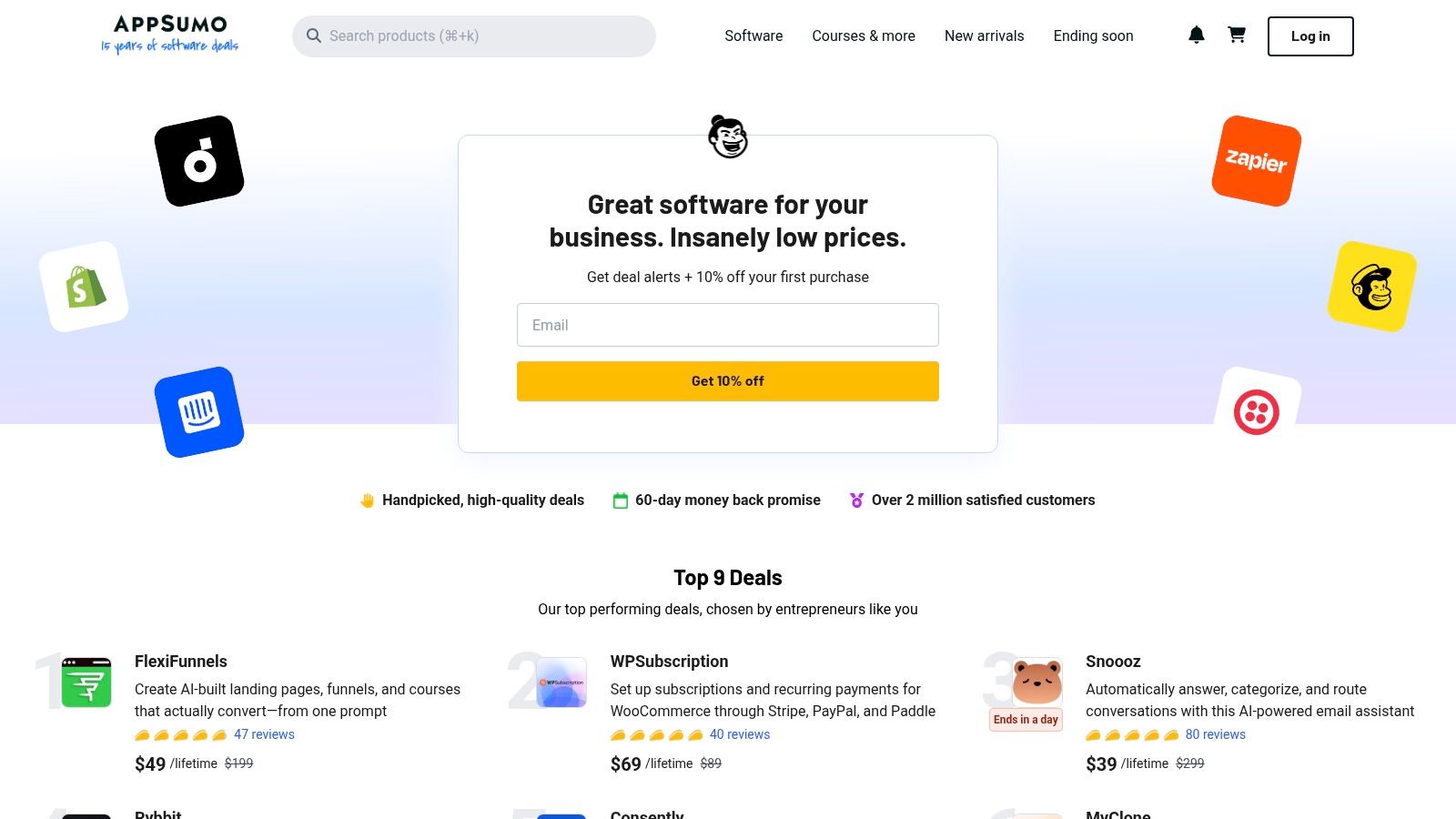
The platform’s value lies in its potential for massive long-term savings. You can often find lifetime licences for rank trackers, AI content writers, and technical audit tools for less than the cost of a few months of a mainstream competitor. The user reviews and detailed Q&A sections for each deal provide crucial community vetting before you purchase.
Best Use Cases & Features
- Startups & Solopreneurs: Build an entire SEO stack, from keyword research to content optimisation, for a fraction of the typical cost by grabbing multiple lifetime deals.
- Agencies on a Budget: Acquire white-label-ready tools for client reporting or internal use without adding to monthly overheads.
- All SMBs: Use the generous 60-day refund window to thoroughly test a tool's capabilities and ensure it fits your workflow before committing.
Pricing, Pros & Cons
Pricing: Varies per deal, typically one-time payments from $49 to a few hundred pounds for a lifetime licence.
| Pros | Cons |
|---|---|
| Drastically reduces recurring monthly software costs | Tool quality can vary; thorough vetting is essential |
| Access to innovative tools before they go mainstream | The best deals are time-limited and sell out quickly |
| Generous money-back guarantee on most deals | Support is through the tool's creator, not AppSumo |
Quick Tip: Sign up for their newsletter and check the "SEO" category weekly. Deals rotate frequently, and acting fast when a high-quality tool appears is key to maximising value.
Website: https://appsumo.com/
12. Capterra UK
Capterra UK operates differently from a hands-on tool; it’s a comprehensive, vendor-neutral directory for comparing software. For small businesses overwhelmed by choice, it provides a structured way to evaluate the best SEO tools by collating features, pricing, and verified user reviews in one place. Its UK-specific focus ensures the information is relevant for local businesses.
Instead of offering direct SEO functionalities, Capterra empowers you to make an informed purchasing decision. You can filter tools by specific needs, such as "local SEO" or "keyword research", and see how different platforms stack up side-by-side. This process saves significant time and helps you find a solution that genuinely fits your budget and business goals before committing.
Best Use Cases & Features
- Pre-Purchase Research: Use the extensive filters to narrow down options based on business size, features (like rank tracking or backlink analysis), and deployment type.
- Competitor Tool Analysis: See what software similar businesses are using and read their candid reviews to understand real-world performance and potential pitfalls.
- Budgeting & Planning: The platform provides pricing ranges and highlights free options, making it invaluable for businesses creating their initial marketing budget.
Pricing, Pros & Cons
Pricing: Free to use for browsing and comparing software.
| Pros | Cons |
|---|---|
| Broad market coverage of SEO tools | Sponsored placements can influence listing order |
| Verified user reviews offer honest insight | Pricing information is a guide; always verify direct |
| Free resource to aid decision-making | Can be overwhelming due to the sheer number of options |
Quick Tip: Use the "Compare" feature to select up to four tools. This creates a side-by-side table that clearly lays out features, user ratings, and pricing, simplifying your final choice.
Website: https://www.capterra.co.uk/directory/30931/seo/software
Top 12 SEO Tools for Small Business Comparison
| Tool | Core focus / Key features | UX & ease of use | Best for | Unique selling point | Price |
|---|---|---|---|---|---|
| Ahrefs | Backlink index, Keywords Explorer, Site Audit, Rank Tracker | Intuitive dashboard; powerful reports | Agencies & SEO teams needing deep link analysis | Deepest backlink data & competitor gap tools | Premium (agency-priced) |
| Semrush | SEO, PPC, content planning, competitive intelligence | Feature-rich; steeper learning curve | SMEs & agencies seeking all-in-one platform | Broadest feature set and integrations | Premium (higher tiers) |
| Moz Pro | Rank tracking, Keyword Explorer, Site Crawl, reports | Beginner-friendly; strong docs & community | Small teams and beginners | Trusted metrics (DA) and helpful community | Mid |
| Screaming Frog SEO Spider | Desktop crawler, JS rendering, custom extraction, integrations | Extremely fast but dense UI; hardware-dependent | Technical SEOs & audit-heavy agencies | Highly configurable technical crawler | Affordable desktop licence |
| BrightLocal | Local rank tracking, GBP management, citations, reviews | Simple local workflows; location-aware limits | Local businesses & multi-location SMEs | Designed specifically for local SEO & reporting | Mid (location-based) |
| Sitebulb | Visual audits, 300+ hints, integrations, cloud option | Clear visualisations; insight-led reports | Agencies needing stakeholder-facing audits | Excellent explanations and visual reports | Mid / affordable desktop |
| Majestic | Fresh & Historic link index, Trust Flow metrics, API | Functional but UI feels dated | Link researchers and prospectors | Industry-recognised link quality metrics | Mid |
| Surfer | Content Editor, NLP suggestions, topic discovery, audits | Writer-friendly; integrates with Docs & WP | Content teams and in-house writers | Actionable content scores and on-page guidance | Mid |
| Yoast SEO (WordPress) | Metadata, schema, sitemaps, redirects, readability checks | Very easy for WordPress users | WordPress site owners & editors | Simple, editor-focused on-page optimisation | Free + Premium |
| Ubersuggest | Keyword ideas, site audits, rank tracking, AI writer | Simple onboarding; limited data depth | Budget-conscious small businesses | Very affordable; lifetime licence options | Budget / lifetime options |
| AppSumo | Curated lifetime deals, buyer guides, reviews | Time-limited deals; curated marketplace | SMEs wanting to minimise recurring costs | One-time lifetime deals to cut subscription spend | One-time deals (variable) |
| Capterra UK | Side-by-side comparisons, filters, verified reviews | Easy to compare vendors; UK-focused listings | Buyers researching and shortlisting tools | Vendor-neutral reviews and UK pricing context | Free to use |
Building Your Perfect SEO Stack for Measurable Growth
Navigating the landscape of SEO tools can feel daunting, but as we've explored, the power lies not in using every platform, but in selecting the right ones for your unique business goals. The journey to the top of the search results is a marathon, not a sprint, and your toolkit is your strategic advantage. This guide has detailed some of the best SEO tools for small business, from all-in-one powerhouses like Semrush and Ahrefs to specialised masters like BrightLocal for local visibility and Screaming Frog for deep technical audits.
The central takeaway is this: your perfect SEO stack is a bespoke combination. An e-commerce brand might prioritise a content optimisation tool like Surfer paired with Majestic for backlink analysis. A local self-storage facility, however, will find indispensable value in combining BrightLocal's citation management with the on-page guidance of Yoast SEO on their WordPress site. The key is to start with a clear understanding of your most pressing need and build your toolkit from there.
Your Actionable Roadmap to SEO Success
So, where do you go from here? Don't let analysis paralysis stall your progress. Instead, follow these practical next steps to turn insight into action:
- Identify Your Primary SEO Goal: Is it ranking higher in local search results? Improving your website's technical health? Or creating content that outranks competitors? Pinpoint your number one priority first.
- Select a "Cornerstone" Tool: Choose one tool from our list that directly addresses that primary goal. If it's keyword research, perhaps start with Ubersuggest for its user-friendly interface and cost-effectiveness. If it's technical SEO, the free version of Screaming Frog is an excellent starting point.
- Commit to a Trial Period: Nearly every tool offers a free trial or a limited free version. Dedicate a week to learning its core features. Focus on one or two key reports instead of trying to master the entire platform at once.
- Integrate and Expand Methodically: Once you're comfortable with your first tool and are seeing its value, consider what complementary tool could fill a gap. For instance, after setting up a solid on-page strategy with Yoast, you might add a rank tracker to monitor your progress.
Turning Data into Tangible Results
Remember that SEO tools are instruments; they provide the data, but your strategy dictates the outcome. A rank tracker shows you where you stand, but it doesn't tell you why a competitor is outranking you. That requires analysing their content, backlinks, and site structure, tasks made easier by your chosen tools.
To truly build your perfect SEO stack for measurable growth, a deep understanding of methods for mastering keywords for ultimate SEO success is indispensable. The data from your tools becomes exponentially more valuable when you know how to interpret it through the lens of a coherent keyword strategy.
Ultimately, choosing the best SEO tools for your small business is about empowerment. It's about gaining the clarity you need to make informed decisions that drive real, measurable growth, attract your ideal customers, and build a powerful, sustainable online presence.
Feeling overwhelmed by the options or short on time to manage these platforms effectively? The team at Amax Marketing leverages these very tools every day to build and execute data-driven SEO strategies for businesses just like yours. Let us handle the technical complexities so you can focus on what you do best. Visit Amax Marketing to book a complimentary marketing audit and discover how a professional approach can amplify your results.